Esslinger's Classes at Kenyon College
  • Introduction
  • Digital Imaging
    • Abstract Formalism
    • Experimental Collage
    • The Altered Portrait
    • The Altered Scape >
      • Exhibition Design
      • Digital Experimentation
      • Fictitious Advertising
    • Soundscape
    • Gesture >
      • Aesthetics of the Ordinary
    • Final Projects
  • Video
    • Stop-Motion Animation
    • Exp. Film and Video >
      • Lyrical Juxtapositions
      • Artist Presentation
      • AppropriationSocialComment
      • Personal Experimental
      • Expanded Cinema
  • Installation
  • Advanced Studio
  • Artists and Info
    • Miscellaneous
    • assignment presentations
    • Creative preparations
    • Video
    • Experimental Film
    • Sound
    • Animation
    • Photo
    • Cinemagraphs
    • New Media >
      • Notes New Media
    • Installation
    • Design/Anti
    • Web based
    • General Art
    • Performance
    • Painting/Drawing/Prints
    • Paper/ Fiber/Books
    • Sculpture
    • architecture
    • Research >
      • Makerspace at Kenyon
      • tech research
    • Student Presentations >
      • student research video artists
      • Student Presentations Installation
      • Themes of Contemporary Art
    • Alumni
  • Manuals
    • Scanning
    • Lightroom
    • Photoshop
    • Premiere Pro CC >
      • New Premiere Pro Video Tutorials
    • After Effects
    • Davinci Resolve
    • InDesign >
      • InDesign Video Tutorials
    • Fonts
    • Animation
    • New Media Programs >
      • manuals from others
    • Audio
    • Lighting
    • Cameras+Equipment
    • Sculptural Processes
    • AHistoryofArtandTechnology for Digital Imaging
    • A History of Art andTechnology for Video and Film
    • professional presentations
    • Rome Home >
      • Experimental Media in the Eternal City >
        • Questions Venice
      • Simulations: Public Art in the Imagination in Rome >
        • External recordings
      • Adventures
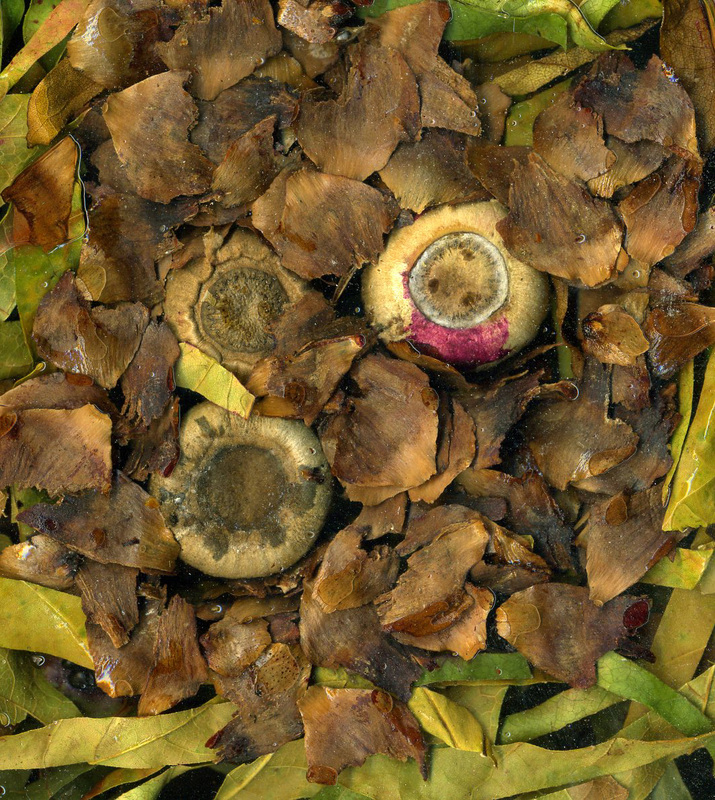
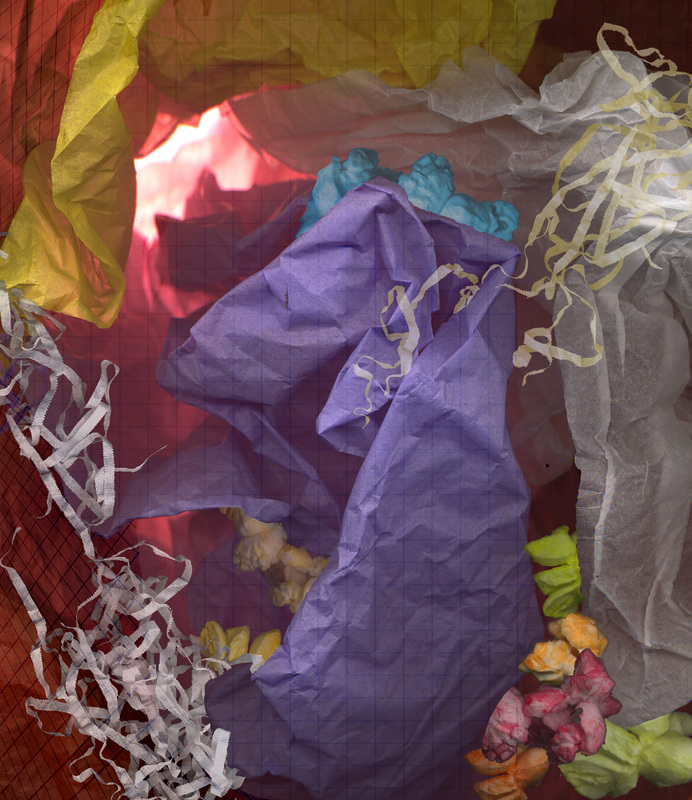
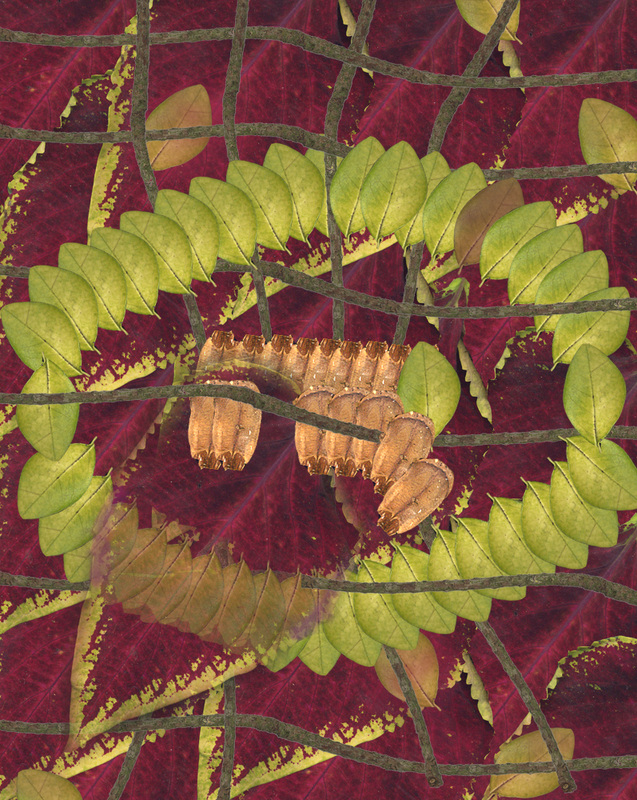
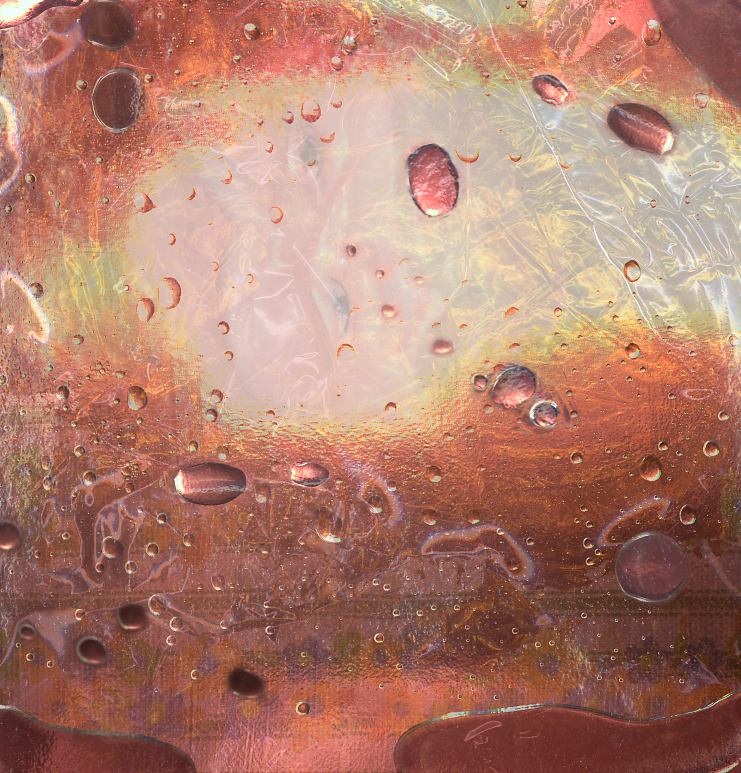
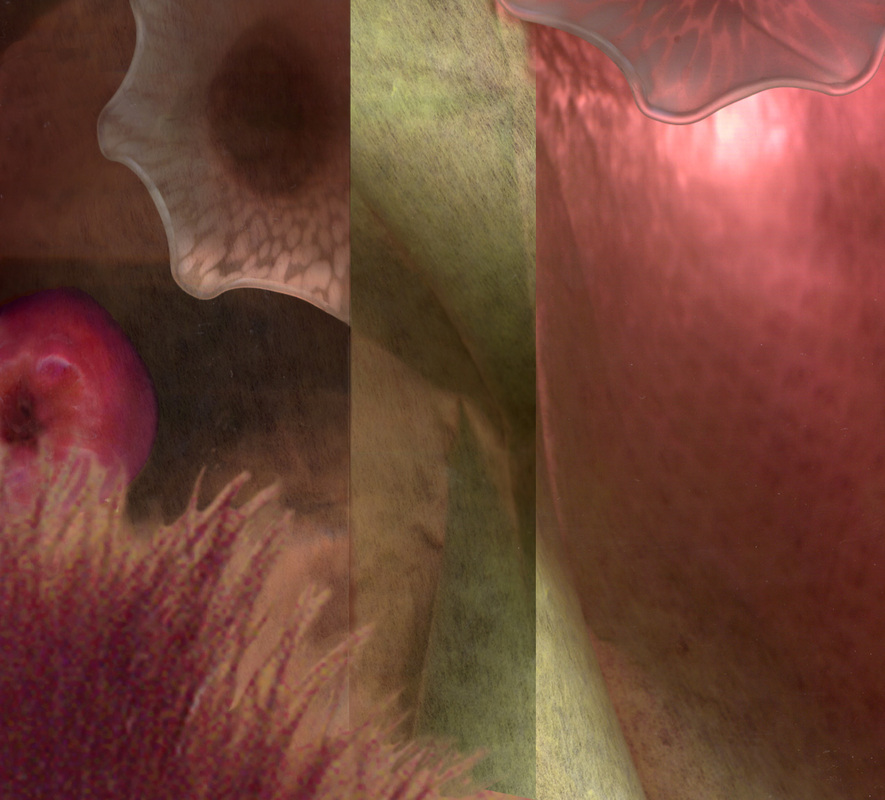
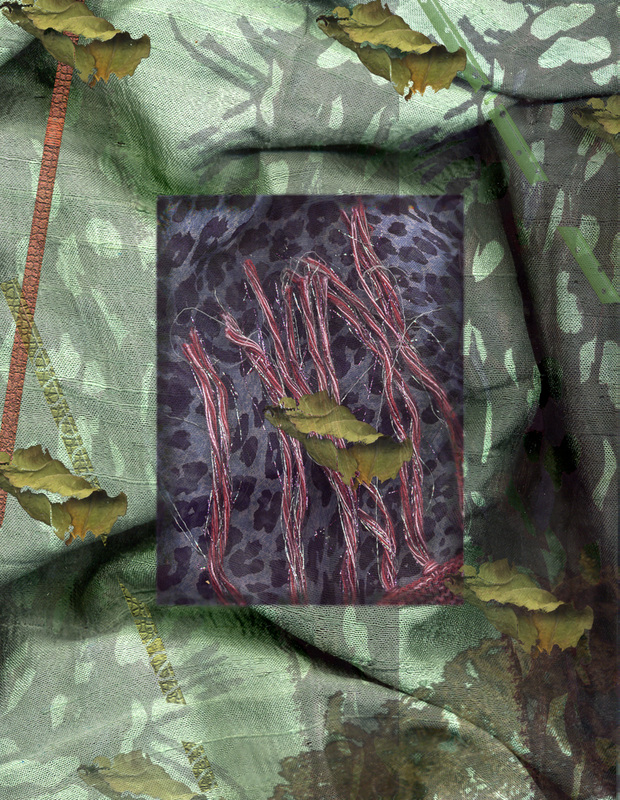
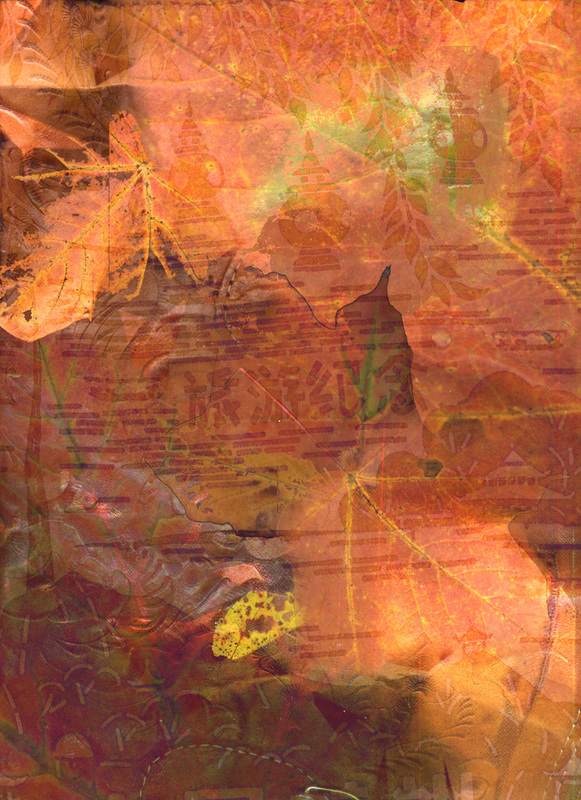
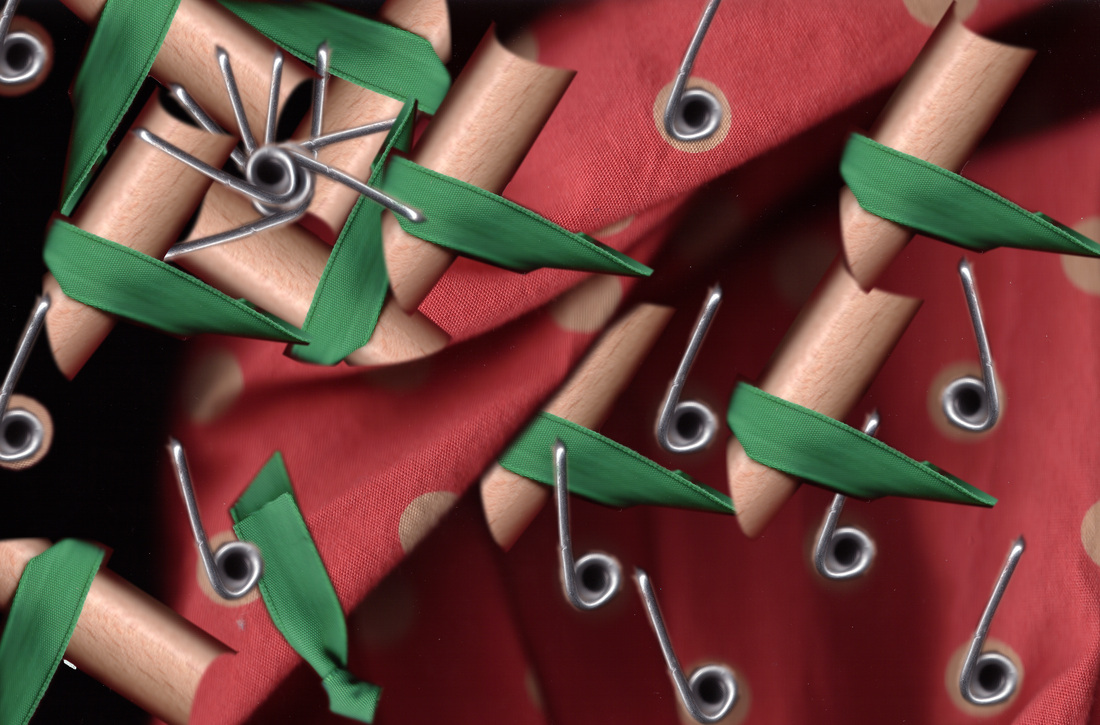
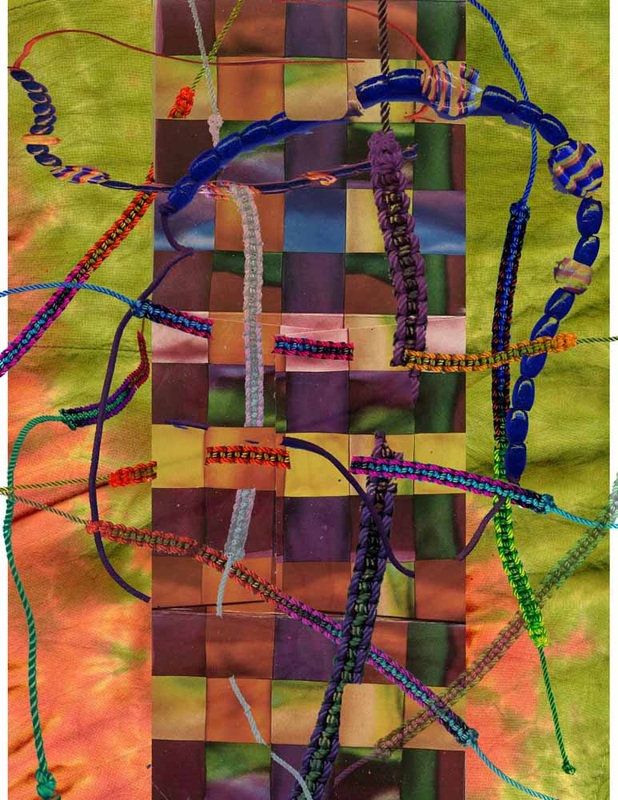
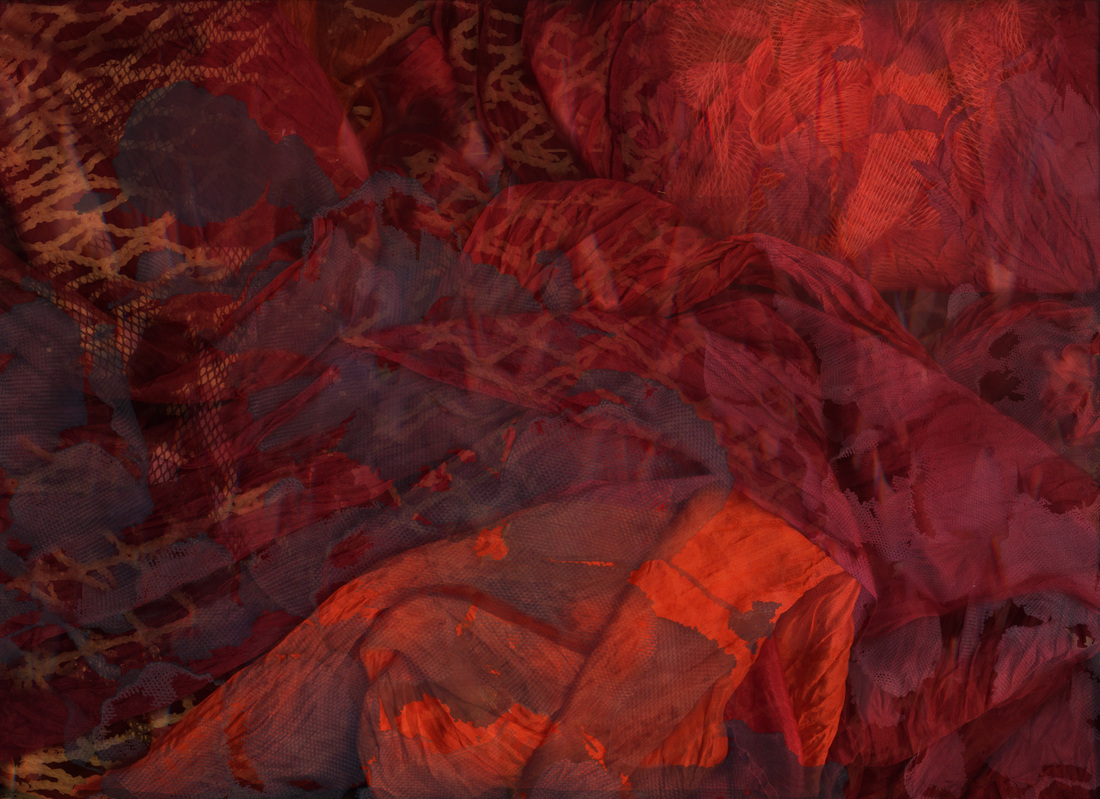
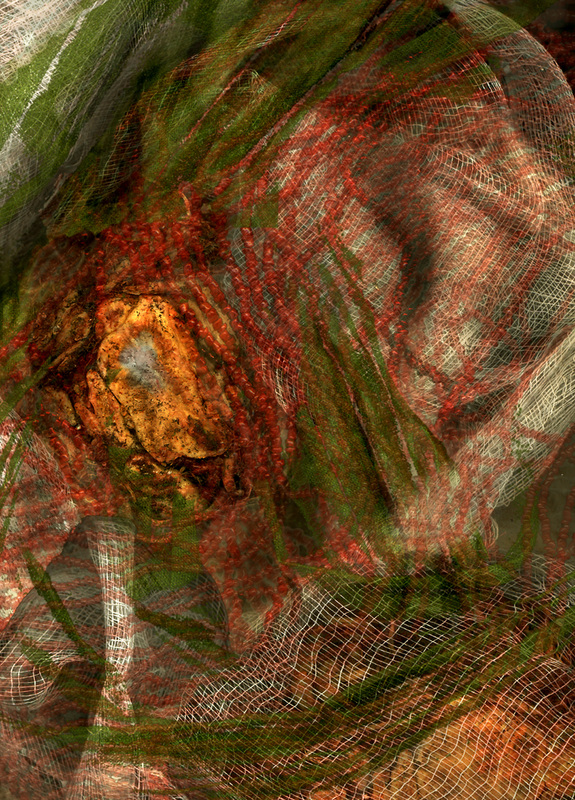
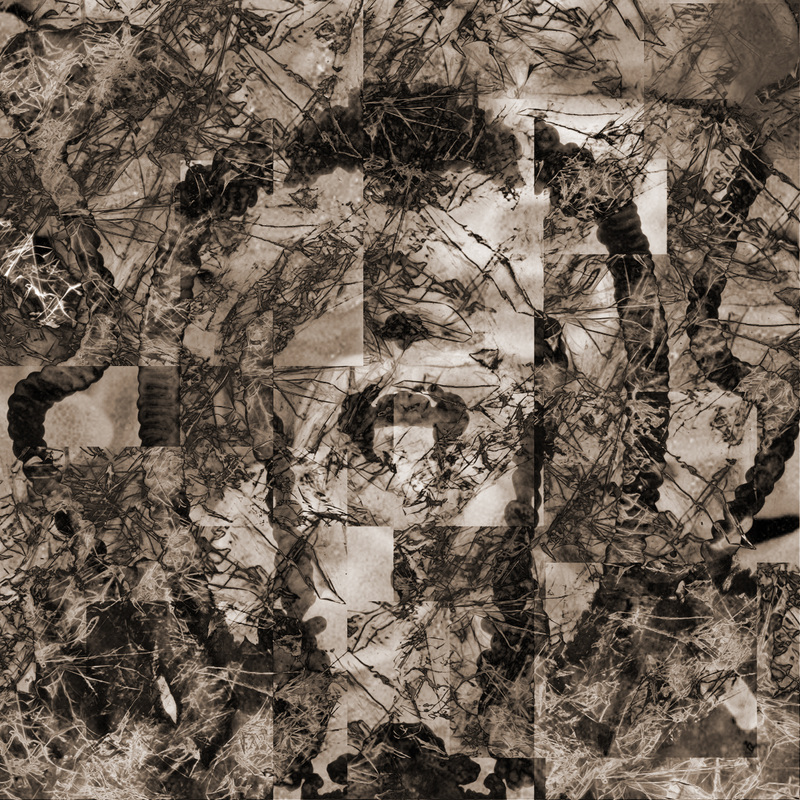
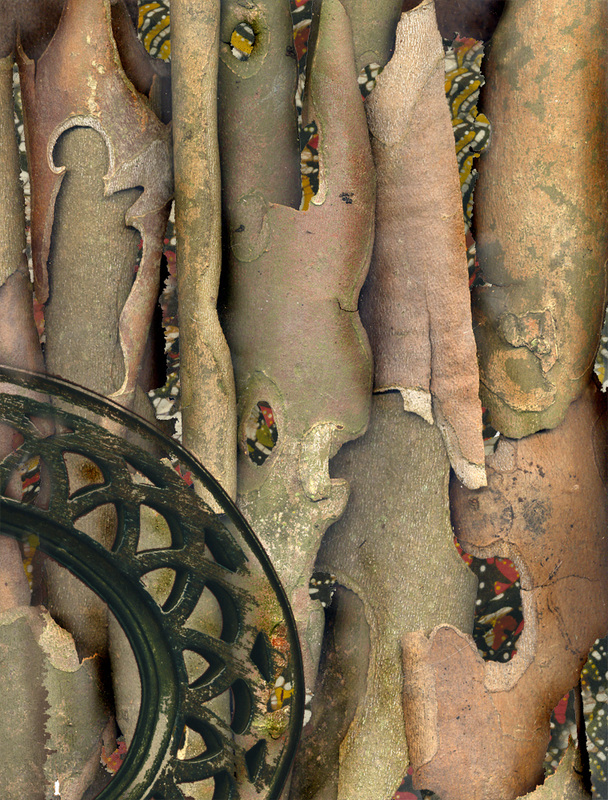
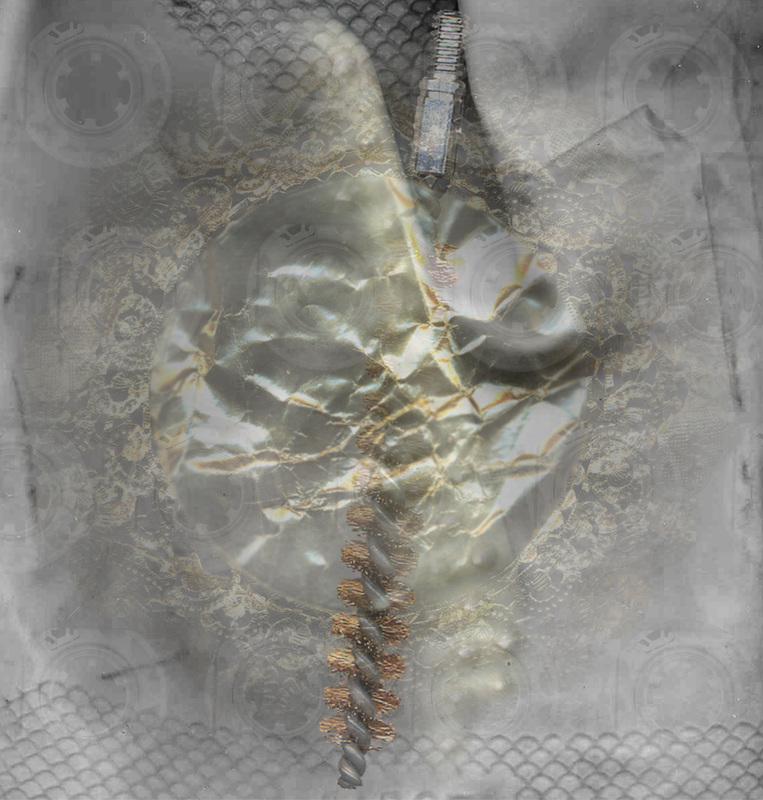
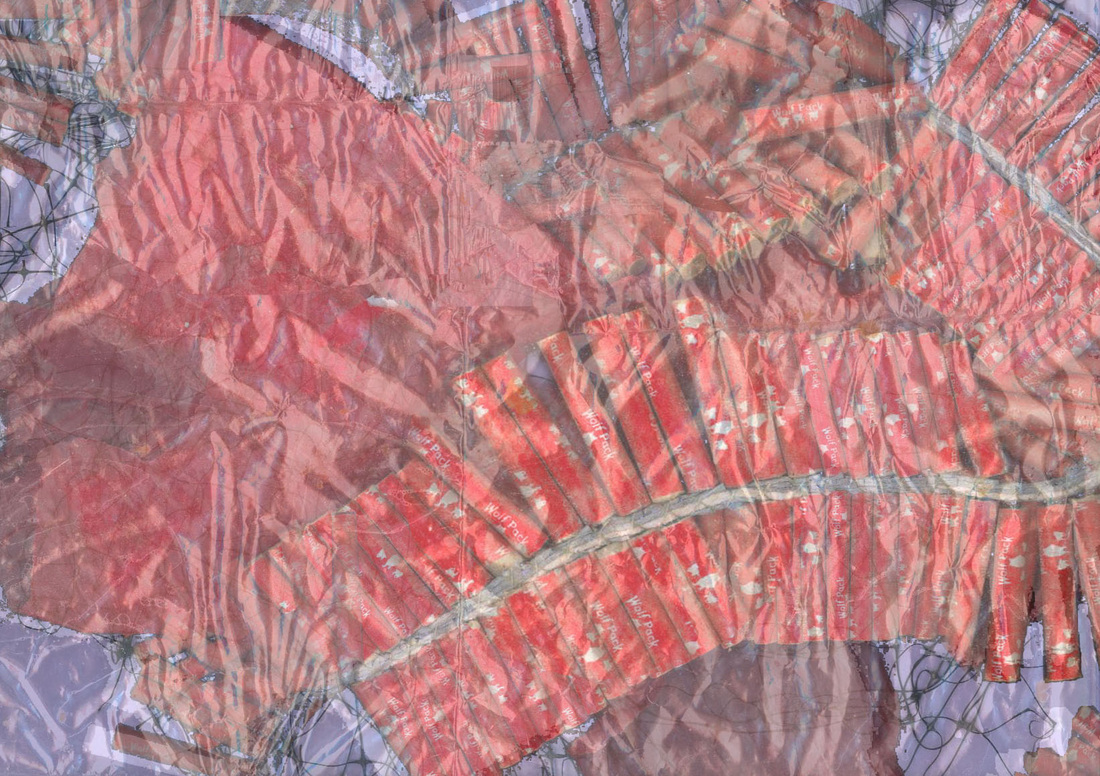
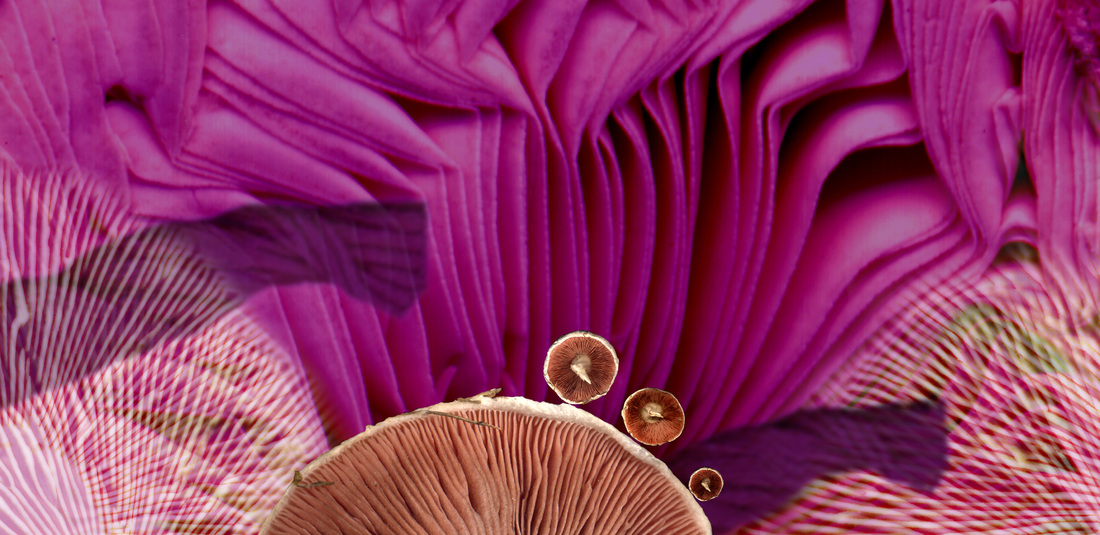
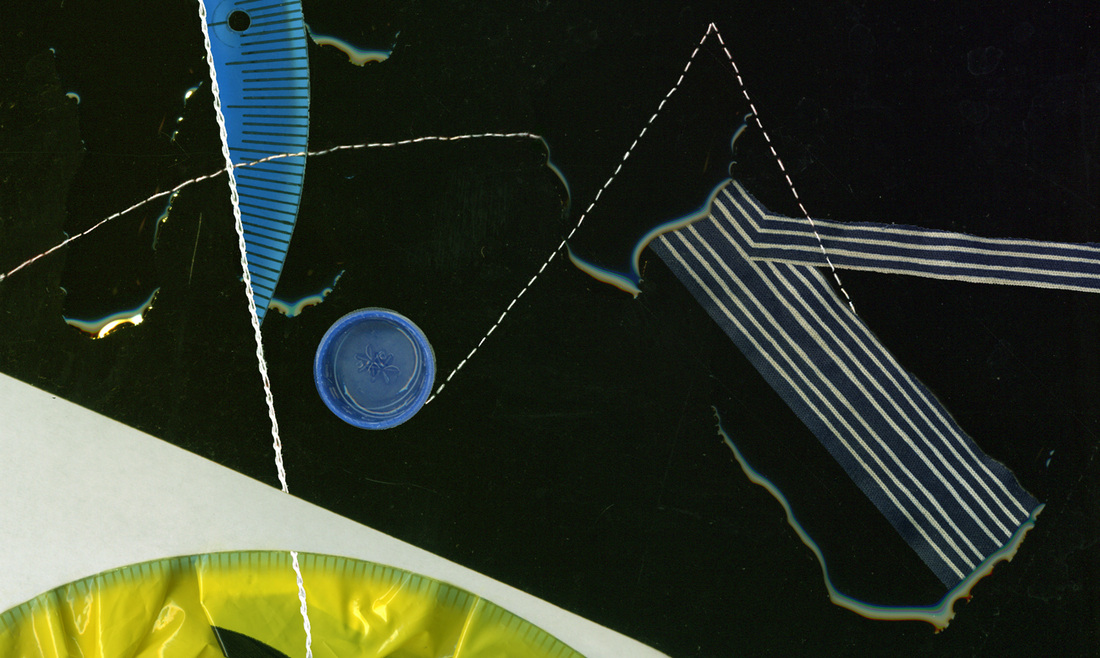
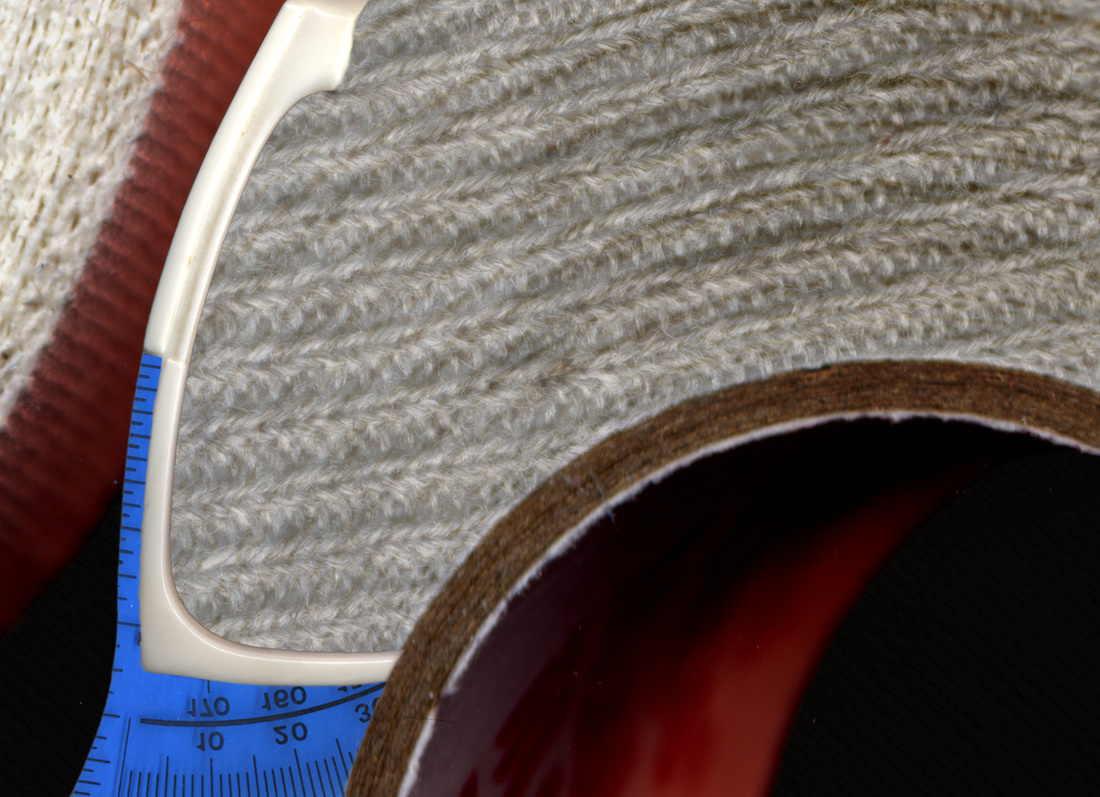
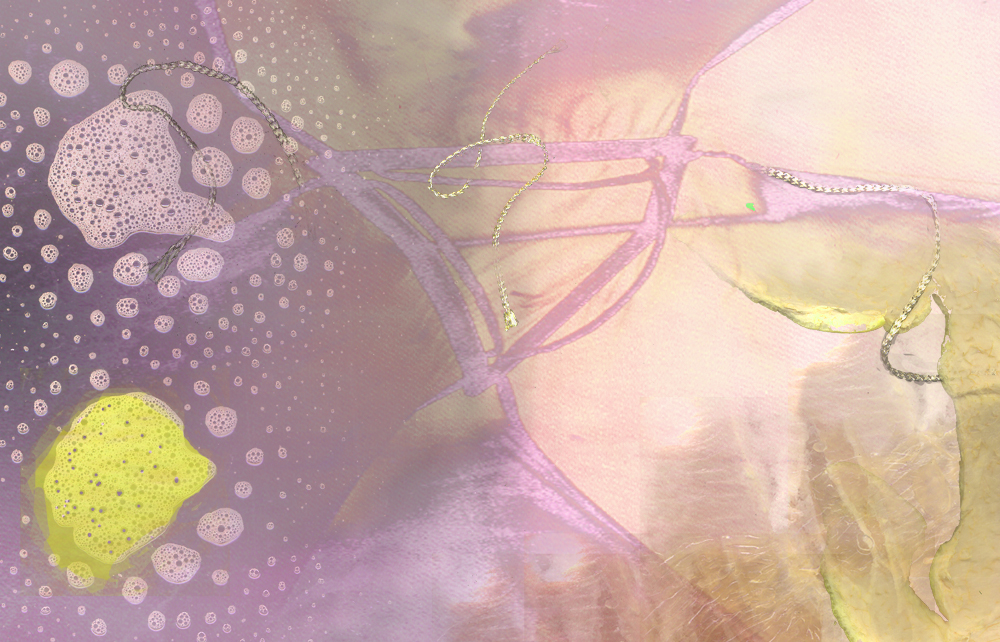
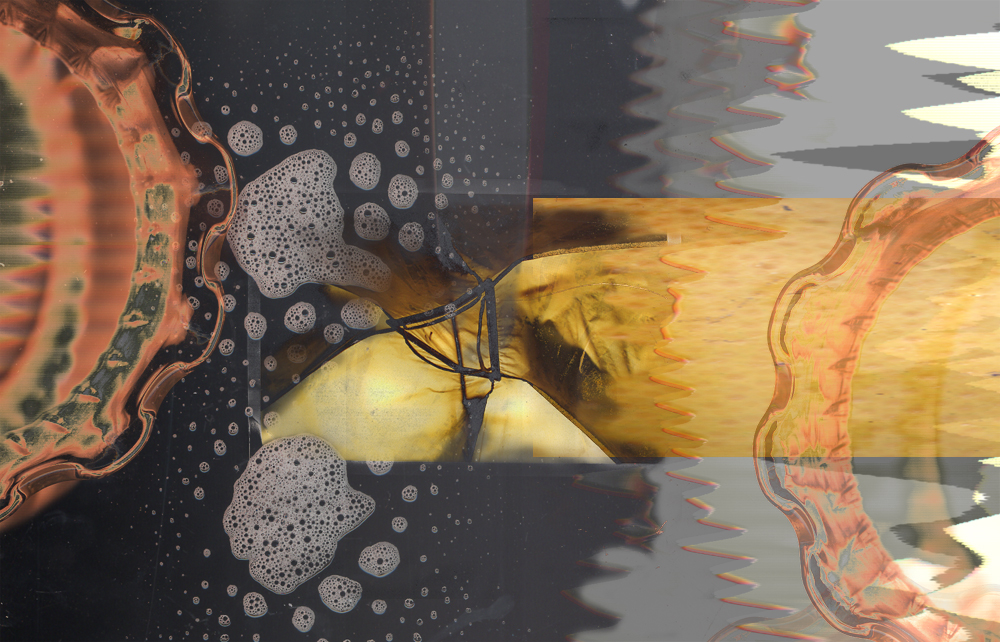
EXPERIMENTAL COLLAGE:
Gathering separate elements and using digital tools
to collage an abstract image, with an option to build from your first project.


Scan at least one additional objects or multiple objects in individually and collage together using techniques in Photoshop.
​You can build on your previous project, but you should alter it substantially. 
 
Show all your selection skills, using full images in layers and masking on each layer. Do not leave areas “empty” but layer each texture to fill the space.
 
Make sure you can identify the following:
Open or closed composition
Activating the whole picture plane
Background shape and texture as interesting as foreground
Integration of foreground and background
Creating a sense of depth
Unity of elements
Focal point movement through the piece
Symmetrical or Asymmetrical Balance
Rhythm of elements
Complexity/ obsessive attention to detail
Surprise, mystery or unusualness
 
Make several of these compositions and choose the best for critique.  Put in the Petra Critique folder.
 
For additional inspiration look at the design principles and elements presentation on the website and examples on this page.